Getting Started with NeoMatX
Follow these steps and your first app will be ready in just a few minutes.
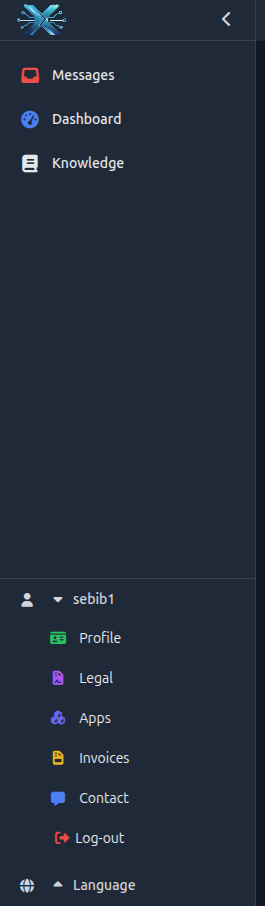
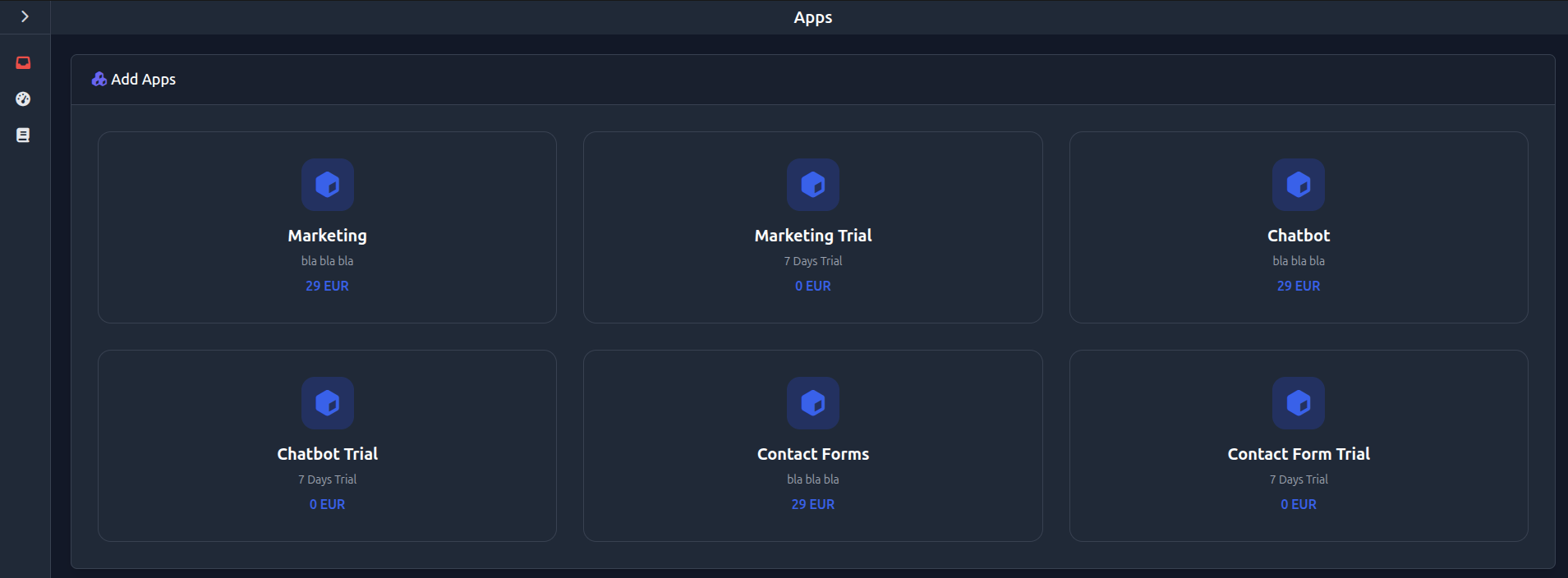
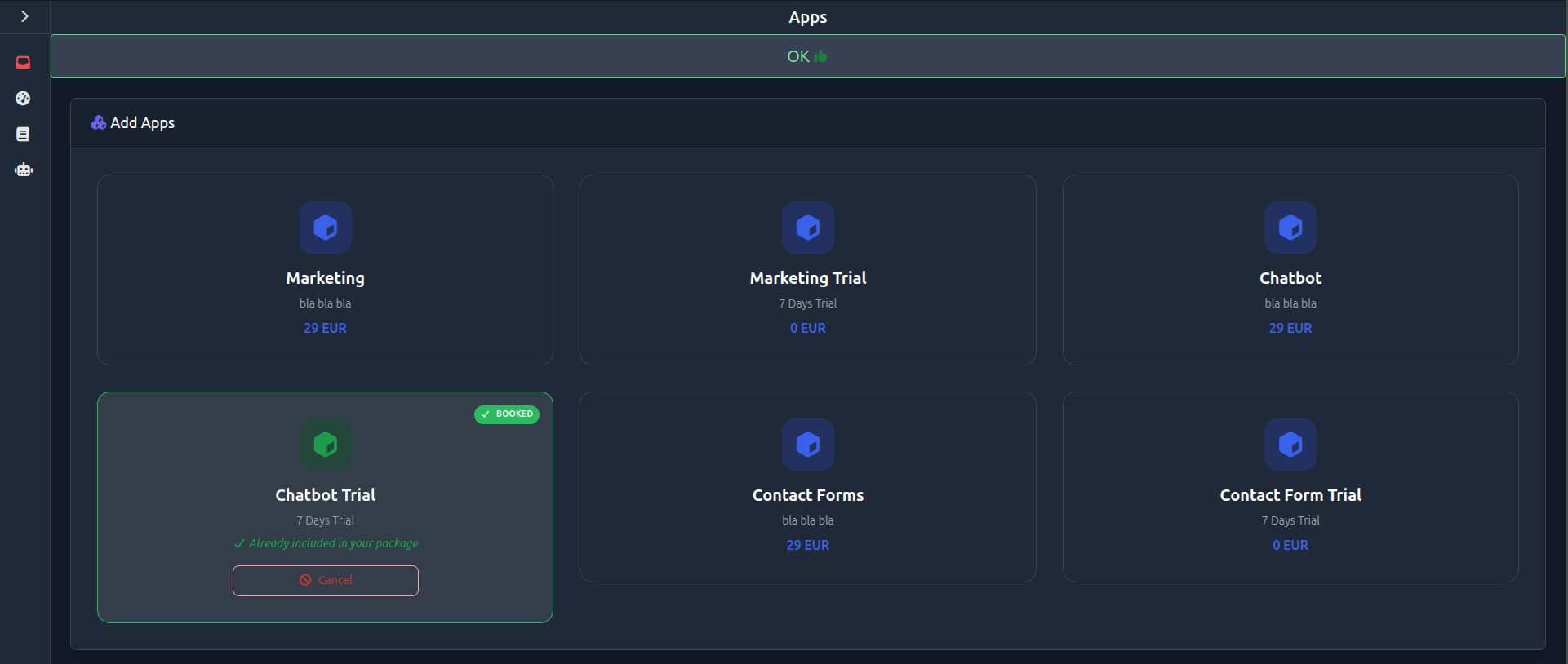
Open the menu and go to your profile section. There you will find the “Apps” area, where you can activate all available features. Only enable the apps you actually need to keep your setup clean and efficient.
Your Setup in few steps
Open the menu
Click the menu icon in the top left corner to open the navigation.
Go to your profile
Scroll down to your name and open your personal section.
Open Apps
Navigate to the “Apps” section to view all available features.
Activate apps
Enable the apps you currently need.
Finish setup
Your activated apps are immediately ready to use.