How to Use the Knowledge-Base
Add content so your apps understand your business, products, and processes.
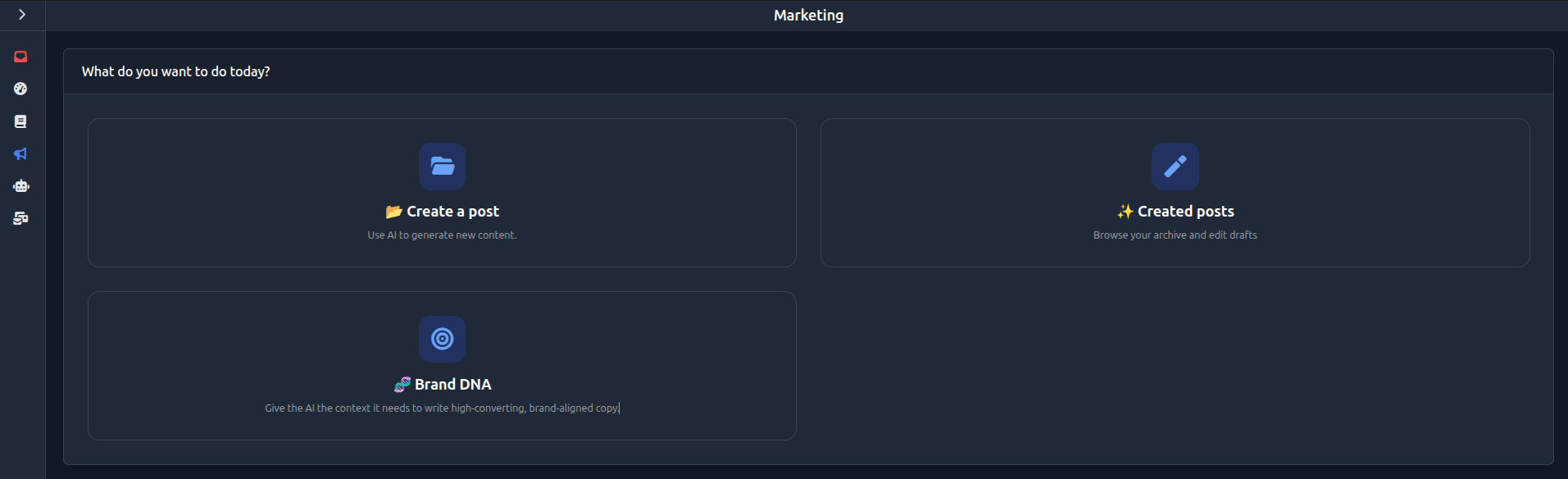
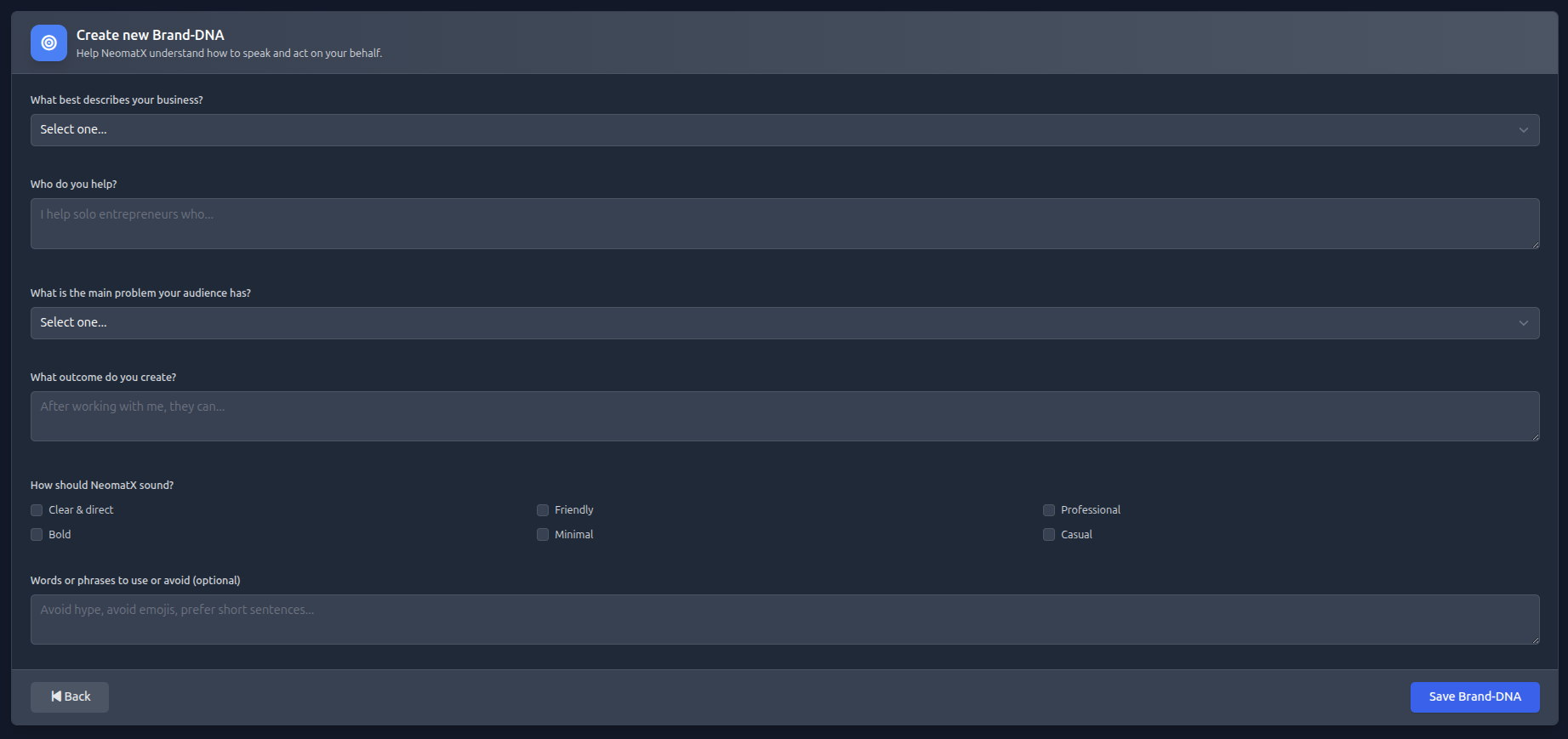
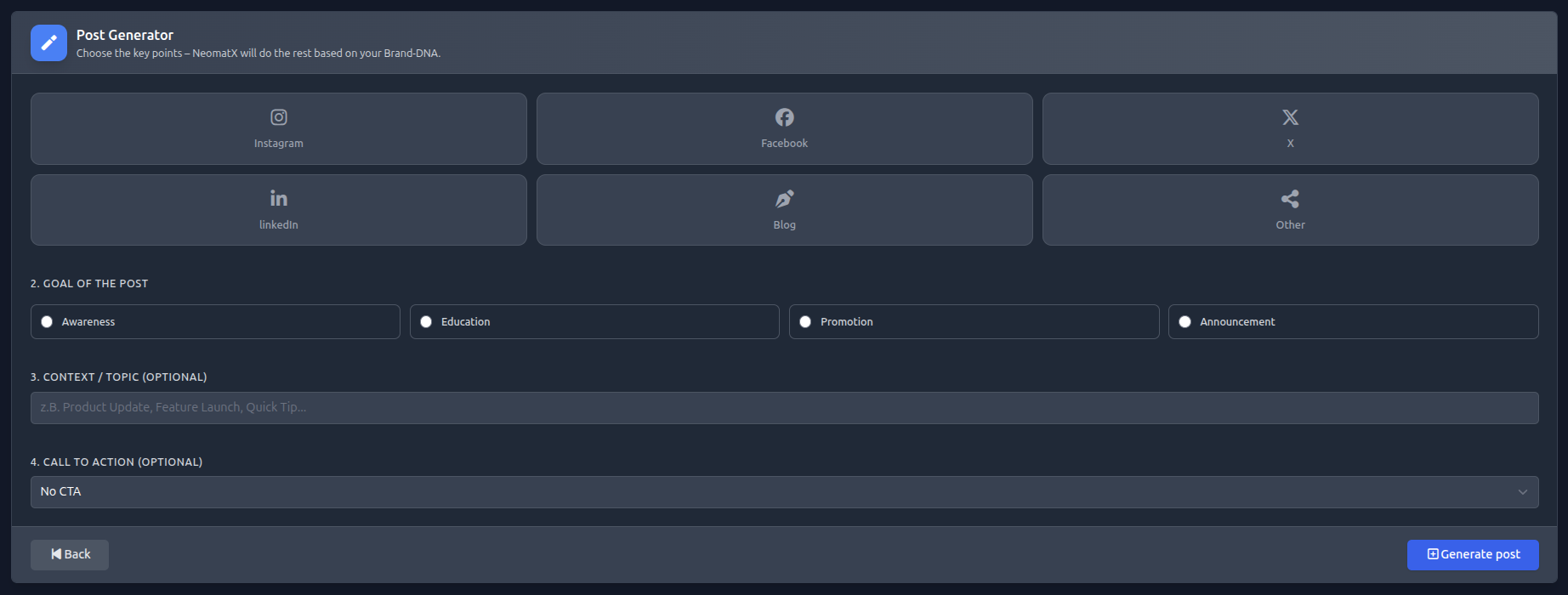
Open the menu and go to the “Knowledge” section. Here you can create, edit, and manage entries. The knowledge base serves as a central data source for your apps and helps the AI deliver accurate responses and content. The better your content, the better your apps will perform.
Your Setup in few steps
Select knowledge type
Select the type of entry, e.g. FAQ, product, or process.
Title/Question
Enter the question or topic users might search for.
Content/Answer
Provide the corresponding answer or explanation.
Keywords
Add relevant keywords to help the AI match user queries with the correct content.
Save entry
Save your entry so it becomes immediately available to your apps.
Expand knowledge base
Continuously add new entries to improve the quality of results.