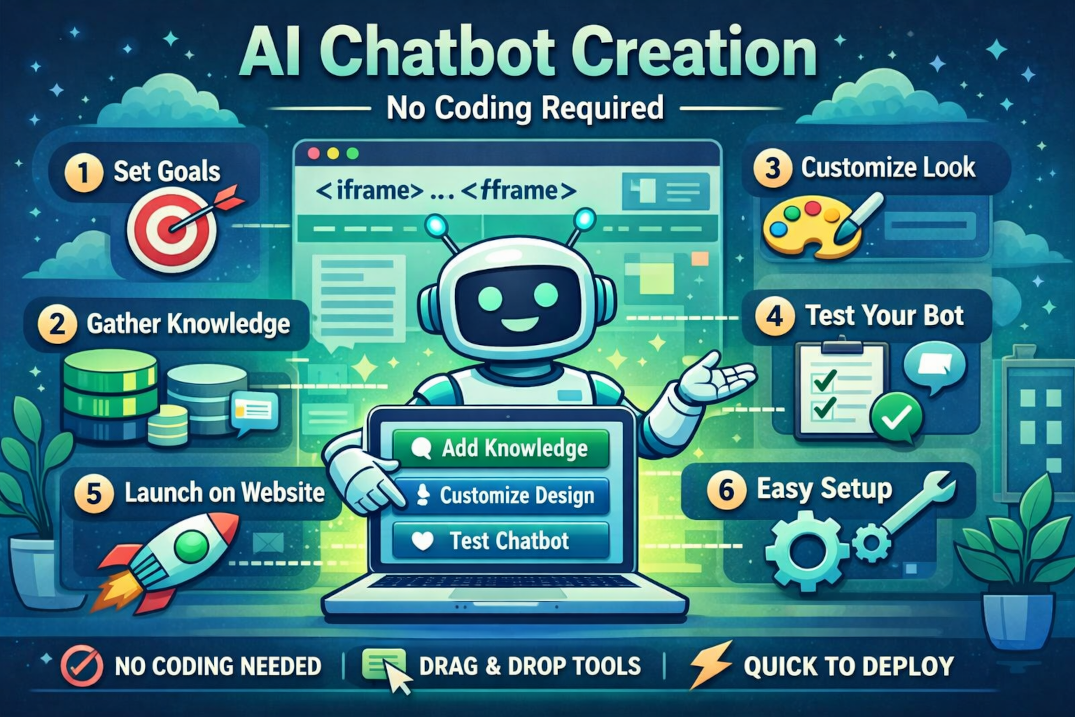
An AI chatbot is easier than ever today.
A few years ago, developing a chatbot was a complex IT project. Companies had to hire developers to program dialogues and manually define every possible question. Today, that's entirely different.
😓 Earlier
- ✕ Hire Developers
- ✕ Program dialogue manually
- ✕ Define each question separately.
- ✕ Months of development time
Today
- ✓ Configure chatbot
- ✓ Provide company knowledge
- ✓ Design adjustment
- ✓ Integrate via iframe
Artificial intelligence handles most of the actual work.
Why Classic Chatbots Were So Complex
Previously, chatbots were based on fixed rules. For every possible question, a corresponding answer had to be created:
Customer asks about the price. Answer A
Customer asks about delivery time Response B
Customer asks for support. Response C
Any further questions → More Complexity
Even small changes can require many adjustments.
How Modern AI Chatbots Work
A KI chatbot operates completely differently. It understands a visitor's question and independently searches for relevant information - from your knowledge base:
This means you no longer have to program individual dialogues.
In 6 Steps to Your Own AI Chatbot
Set goals
Consider which tasks your chatbot should perform. The clearer the goal, the better the outcome.
Collecting corporate knowledge
These contents form the basis for high-quality answers.
Define the role of the chatbot.
The communication style varies depending on the role:
Design adjustment
A chatbot should seamlessly integrate into your website.
Test chatbot
Try out various questions before users engage with the bot.
Identify missing information early on.
Publish Chatbot
After the test, the chatbot is embedded using an iFrame code. Integration often takes only a few minutes.
🚀 Done - your chatbot is live!
What knowledge should your chatbot possess?
The better your knowledge base, the more helpful your answers will be.
🏢
Company Profile
⚙️
Services
💶
Prices
📄
FAQs
🏆
References
📞
Contact options
🕐
Opening Hours
📦
Products
Common Errors When Creating an AI Chatbot
Insufficient knowledge deposited
A chatbot can only access information that actually exists.
Too many tasks at once.
A chatbot should have a clear role. Support behaves differently from sales.
Do not maintain after publication.
New products, services, or prices should be regularly updated.
Do not conduct any tests
Many problems only become apparent when real users ask questions.
Knowledge database suggests perfect prompts
Many focus on the perfect prompt. However, in practice, it is the quality of your company data that primarily determines the quality of the responses.
Perfect prompt
+ Empty knowledge base = poor answers
Simple Prompt
+ Good knowledge base = Strong responses
NeoMatX: Create an AI Chatbot without Programming
With NeoMatX, you can create multiple AI chatbots for various tasks—without any programming knowledge. You simply define:
🎭
The Role of the Bot
🗂
Your Knowledge Database
🎨
The Design
For whom is a AI chatbot suitable?
Frequently Asked Questions
Do I need programming skills?
No. Modern platforms allow setup via a graphical interface — no programming knowledge required.
How long does setup take?
A basic chatbot can be operational within just a few minutes. Quality improves with a well-maintained knowledge database.
Can I create multiple chatbots?
Yes. NeoMatX supports multiple bots with distinct roles—e.g., for support, sales, or consulting.
Can I expand the chatbot later?
Yes. New information can be added at any time, so the chatbot continuously improves.
Conclusion
Creating an AI chatbot is now significantly easier than a few years ago. Instead of complex programming, focus lies on content, company knowledge, and good configuration.
No code needed
Live in minutes
Active 24/7
Ready to create your own AI chatbot?
Test NeoMatX and set up your first AI chatbot in just minutes - without writing a single line of code.
Professional AI Chatbot - no programming knowledge required.